
| Please consider making a small donation if you use the software on this page. It is through donations that I am able to fund the servers that the software is hosted and maintained and donations is an indication to me that the software is used and should be continued to be enhanced. |
Quick Catalog:
Tank Manager - a mobile website that allows you to view the status and control various aspects of your Neptune AquaControllers. Status and control, graphing and program with edit abilities are just a few of the facilities availble.
Tank Manager 2 - a mobile website that allows you to view the status and control various aspects of your Neptune AquaControllers. Like the original Tank Manager Tank Manager 2 supports web-based browsers and give you access to many features in the Neptune family of AquaControllers. Status and control, advanced graphing and program with edit abilities are just a few of the facilities availble.
AC3 Simulator - a Windows application that can be used to simulate the AquaController 3 family functionality. It also has built-in functionality to convert between AquaController and Neptune Systems newest controller, the Apex.
Vista Status Gadget - Available in 3 versions, this gadget support on-screen reporting and access to your Neptune AquaControllers (all network enabled versions).
Windows Mobile Professional - native Mobile Compact Framework applications for access status and control of your Neptune AquaControllers.
Windows Mobile Standard - native Mobile Compact Framework applications for access status and control of your Neptune AquaControllers.
(NEW) Windows Mobile 7 and Windows Phone 8 - Application for access status and control of your Neptune AquaControllers.
Tank Manager
TankManager is a status and control application built with the mobile browser in mind but works well with standard desktop browsers as well. Web based this application enables the user to access and control Neptune AquaControllers and supports the Apex (all versions) as well as the AquaController 3, AquaController 3 Pro (firmware version 3.4 or greater).
May 2010: Now supports editing Apex program using single edit page showing all outlets on 1 page.
Note: The AquaController 3 Jr can also be accessed if you have the have installed AcSerial2Web; which is a PC application, used in conjunction with the AC Jr that exposes a compatible interface to the web.
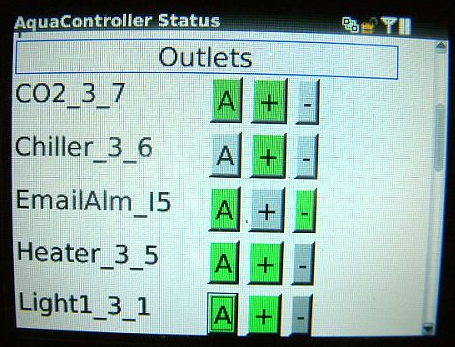
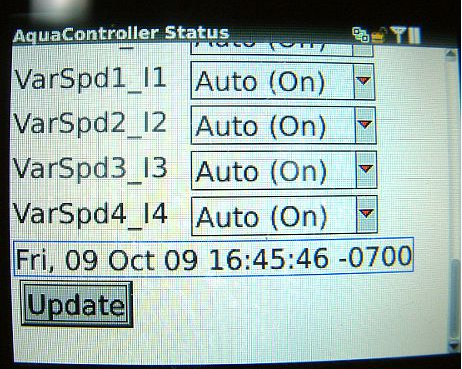


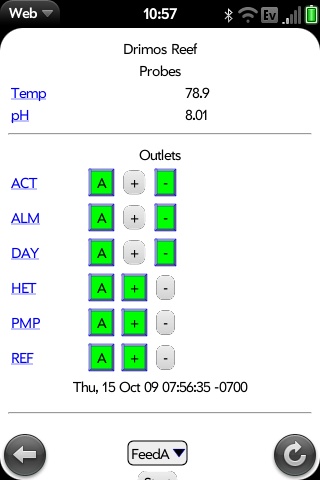
Access Tank Manger website here
Tank Manager 2
TankManager 2 is a a mobile website that allows you to view the status and control various aspects of your Neptune AquaControllers. Like the original Tank Manager Tank Manager 2 supports web-based browsers and give you access to many features in the Neptune family of AquaControllers. Status and control, advanced graphing and program with edit abilities are just a few of the facilities availble. Works with Neptune AquaControllers and supports the Apex (all versions) as well as the AquaController 3, AquaController 3 Pro (firmware version 3.4 or greater).
Note: The AquaController 3 Jr can also be accessed if you have the have installed AcSerial2Web; which is a PC application, used in conjunction with the AC Jr that exposes a compatible interface to the web.
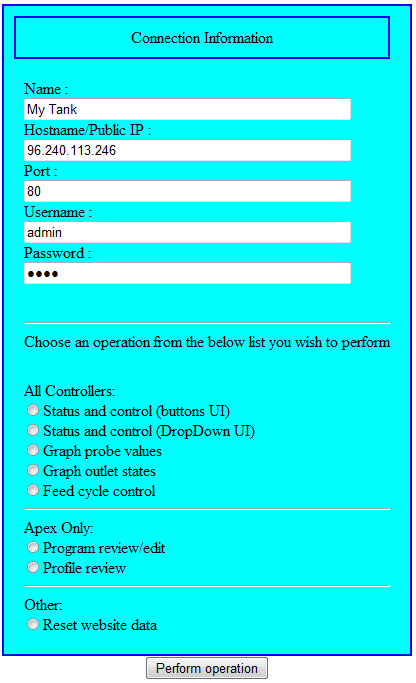
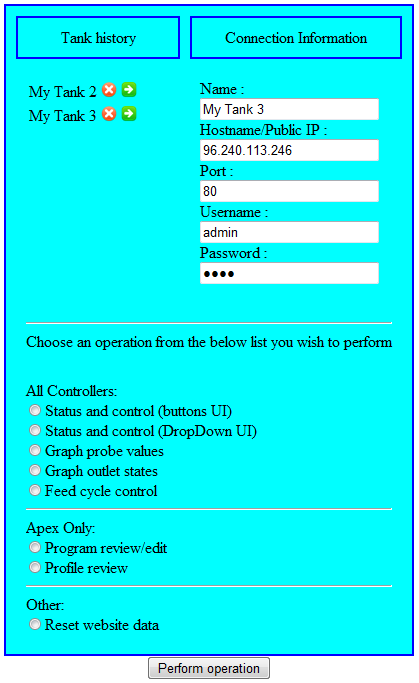
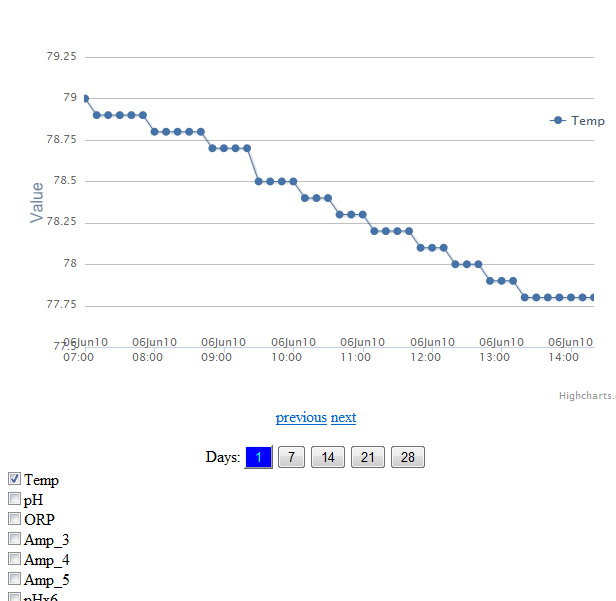

Access Tank Manger 2 website here
AC3 Simulator
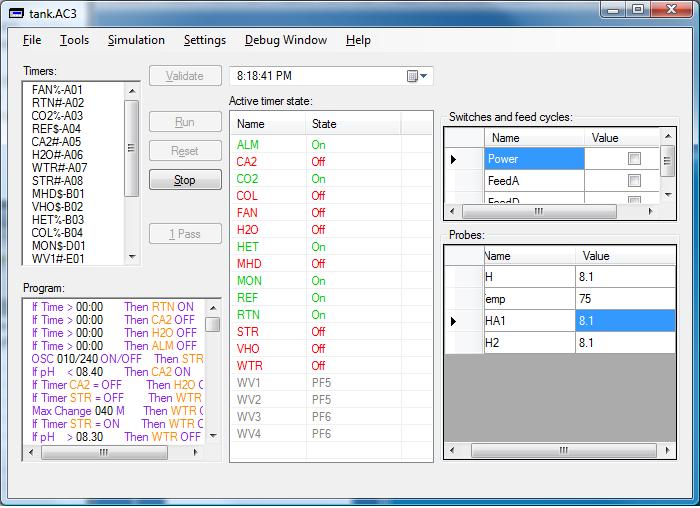
Download AquaController Simulator
Revision history
Vista Status Gadget

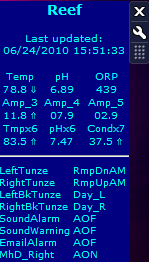
Reports live status of the Neptune AC3, AC3 Pro and Apex right to your desktop. Indicators tell you if the reading is moving up or down and history for each section is available by single-clicking the section.
Download AC3 Vista Sidebar Gadget (now supporting Apex and AC3 firmware 3.4)
Reports live status of the Neptune AC3 and AC3 Pro right to your desktop. Indicators tell you if the reading is moving up or down and history for each section is available by single-clicking the section.
Download AC3 Vista Sidebar Gadget
The new gadget is a new work in progress and is available from the Microsoft Gadget site here. but if you have trouble downloading it from there try the local copy here
It has a slight different look and has been reworked to better support install and (more importantly) uninstall; the above versions required special step to uninstall. Over time the functionality will be on parity but at the current release only probe and status reporting is enabled. The gadget does have 1 new feature lacking in the earlier versions, the ability to proxy through my website. This was added because a number of users run the gadget in an environment that blocks requests to ports other than 80 and the proxy allows the gadget to use port 80 to connect to a proxy on my website and bounce to the real port to get information.
Windows Mobile Professional
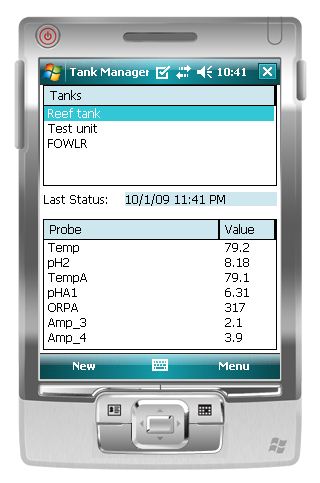
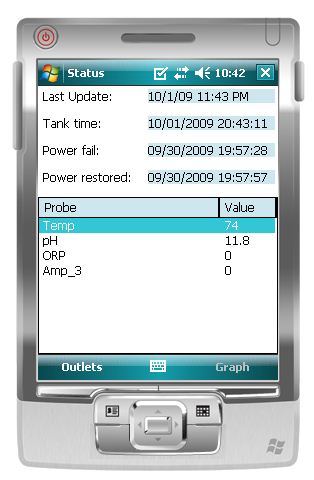
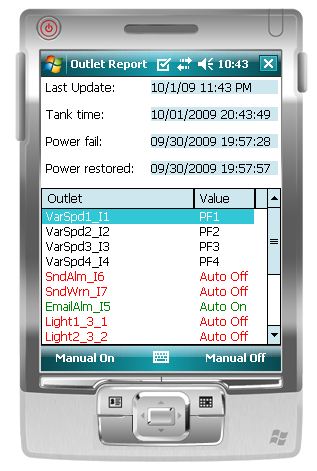
Access the AC3, AC3 Professional and Apex (or Apex Lite) from your Windows Mobile Professional device (previously known as the PocketPC). AC3 and AC3 professional require firmware version 3.4 or greater.
Download Windows Mobile Compact Framework Professional Application (CAB)
Install .NET Compact Framework 3.5 from here.
Windows Mobile Standard
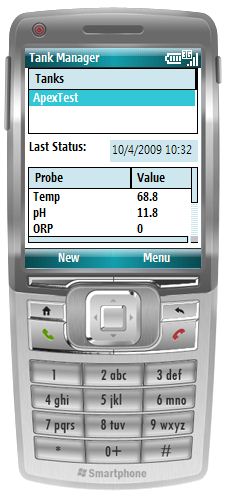
Access the AC3, AC3 Professional and Apex (or Apex Lite) from your Windows Mobile Standard device (previously known as the SmartPhone). AC3 and AC3 professional require firmware version 3.4 or greater.
Download Windows Mobile Compact Framework Standard Application (CAB)
Install .NET Compact Framework 3.5 from here.
Windows Phone 7
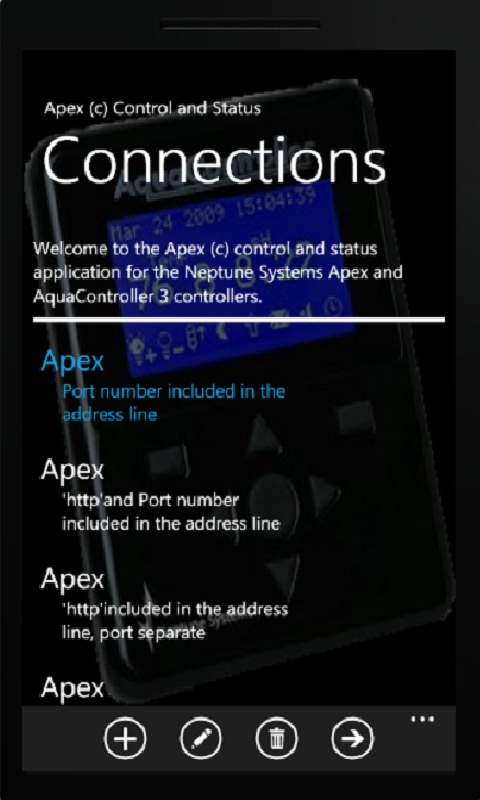
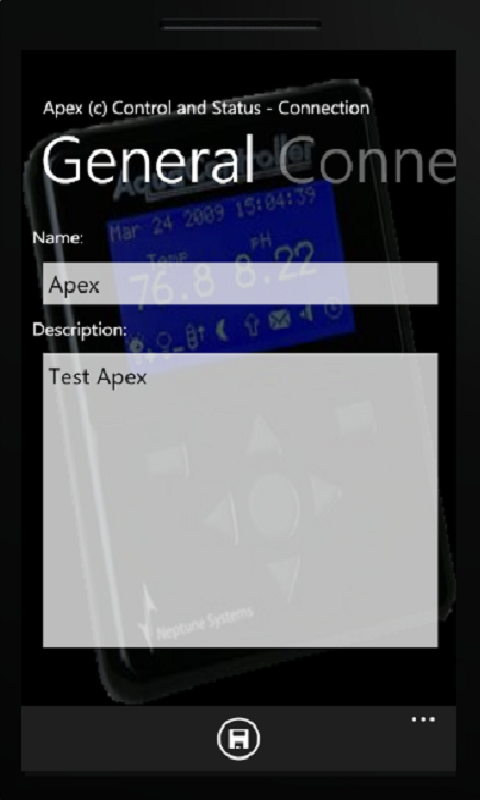
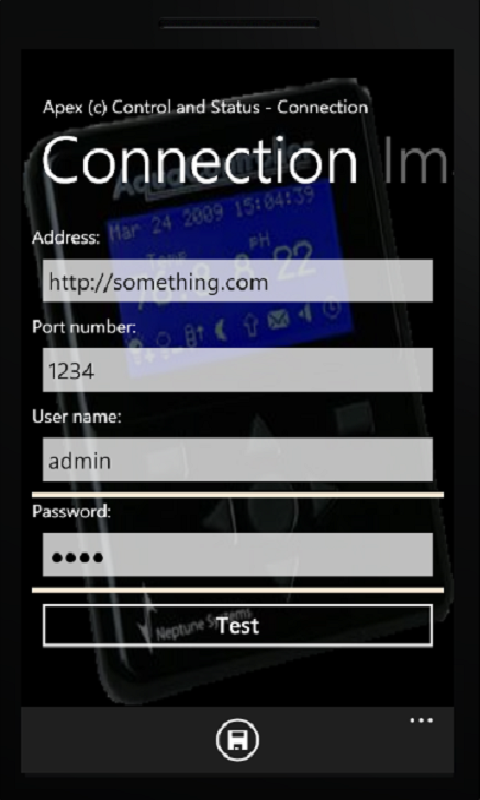
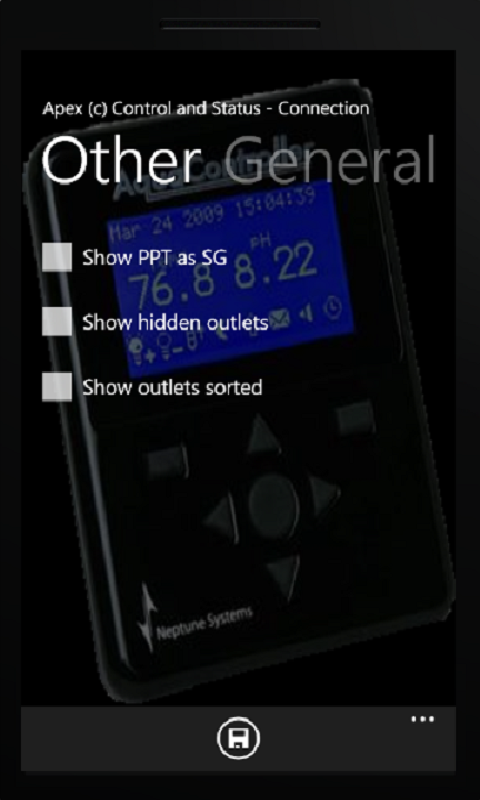
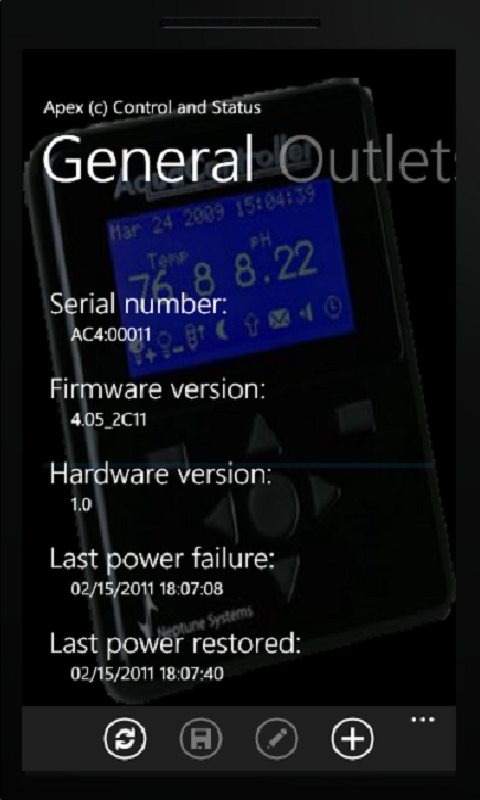
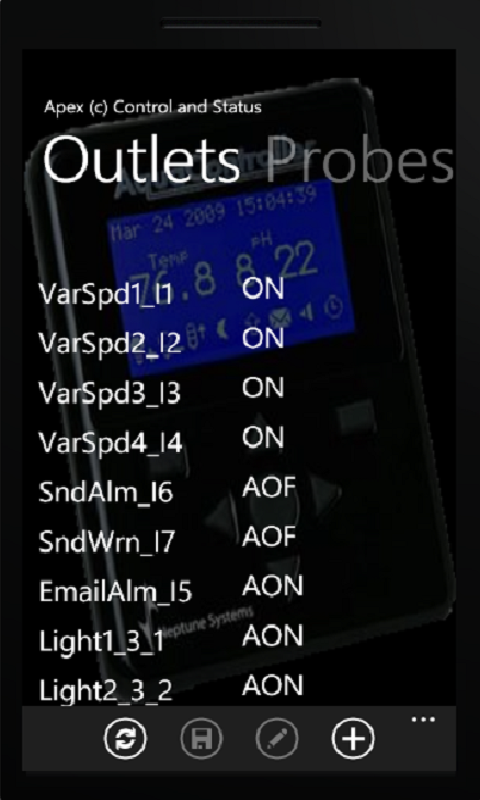
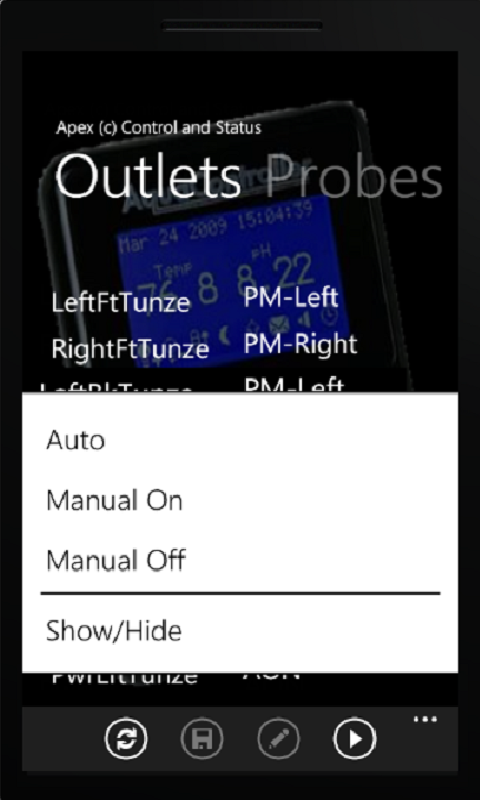

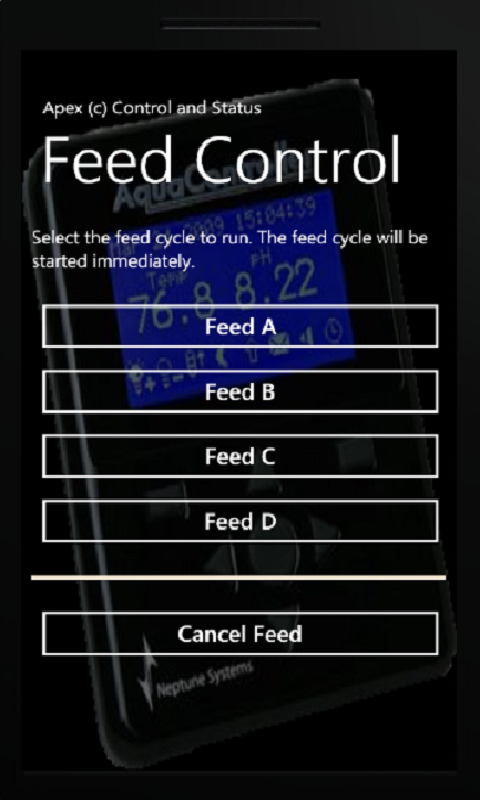
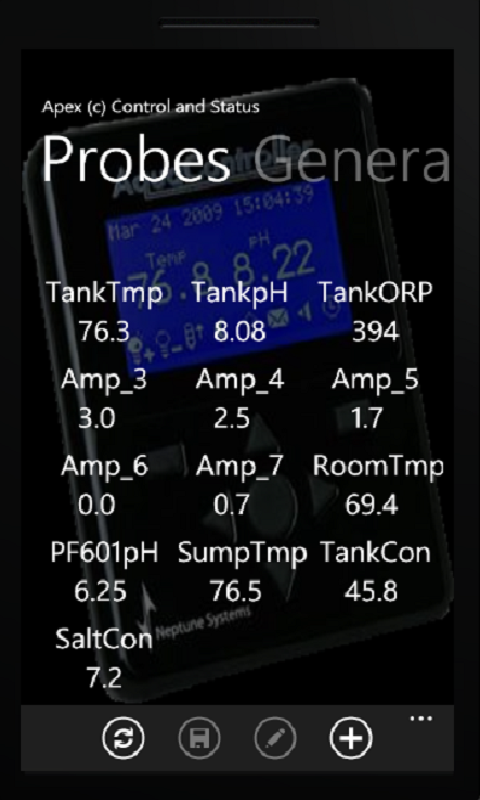


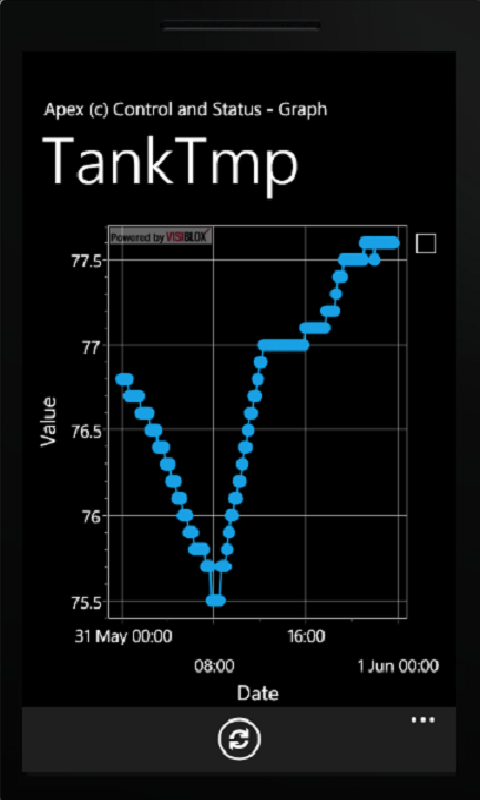
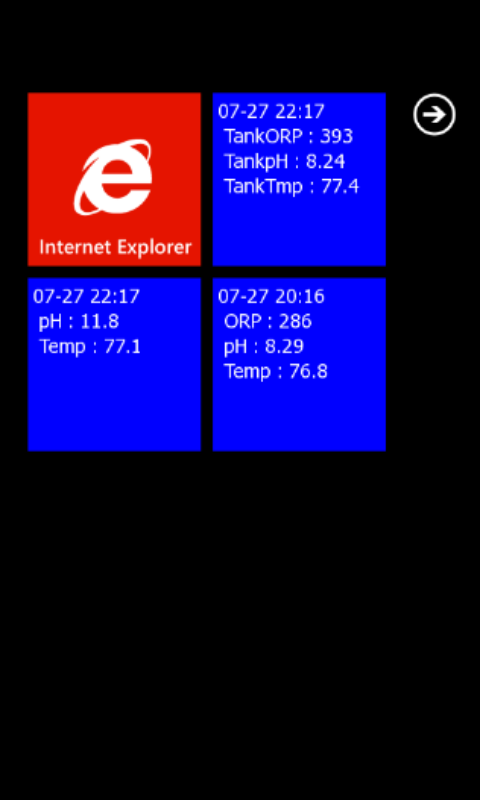
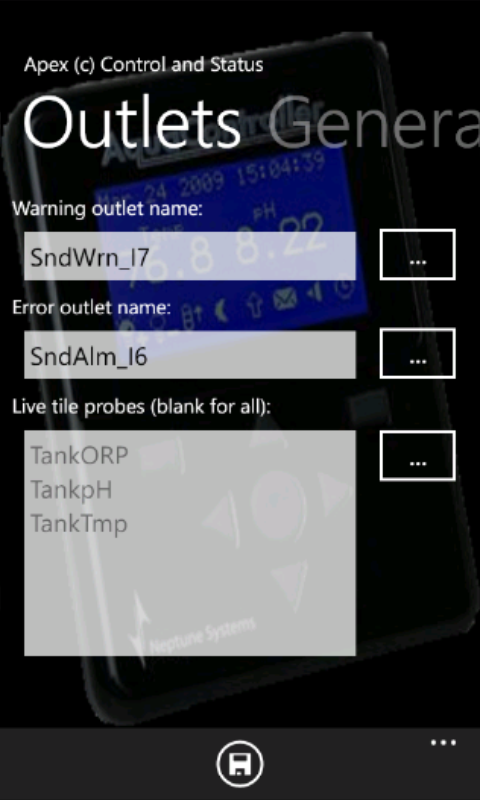
 Access the AC3, AC3 Professional and Apex (or Apex Lite) from your Windows
phone 7. AC3 and AC3 professional require firmware version 3.4 or greater.
Access the AC3, AC3 Professional and Apex (or Apex Lite) from your Windows
phone 7. AC3 and AC3 professional require firmware version 3.4 or greater.Download Windows Phone 7.1 and Windows Phone 8 application here.
Last modified: 10-07-2013 3:48 PM
Home |
Photos |
Equipment |
Light Raiser |
Graphs and Status |
Apex Controller |
AC3 Controller |
Software |
Question and Answer |
Links and Hangouts |
Administration
Copyright © 2009-2013 kenargo.com. All Rights Reserved.